
Keep what you love
just as it is.
Cover the rest,
the easy way.
Hide faces. Blur backgrounds.
Let AI help, then fine-tune by hand.
With mosaic, blur, and stamps,
getting ready to share is easier.
Basic photo editing and saving are free. In-app purchases are available.
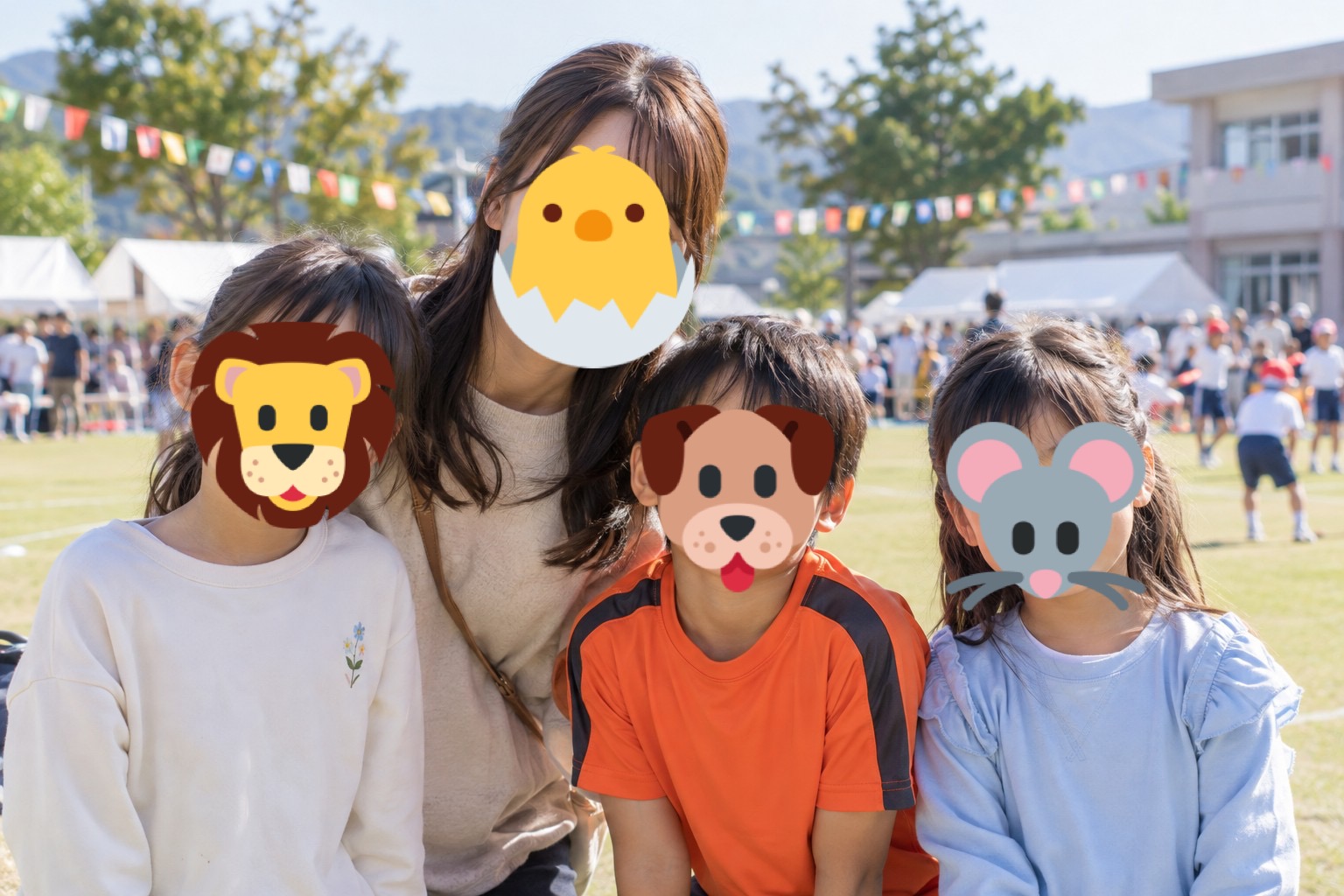 Cover faces in family memories with playful stamps.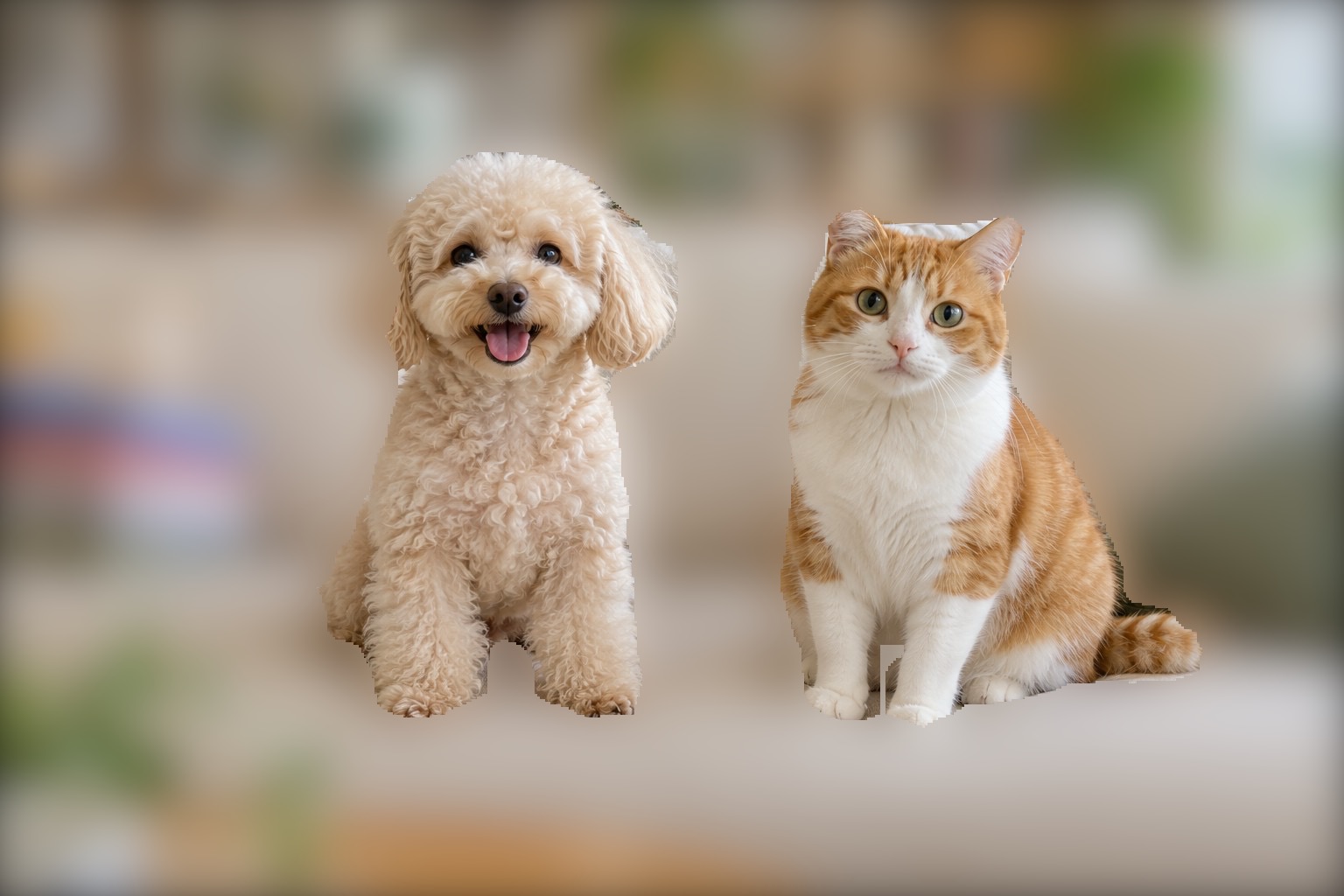
For photos like these,
try Instant Blur.
Keep the memories and the moments you love while covering faces or backgrounds that appear in the photo.
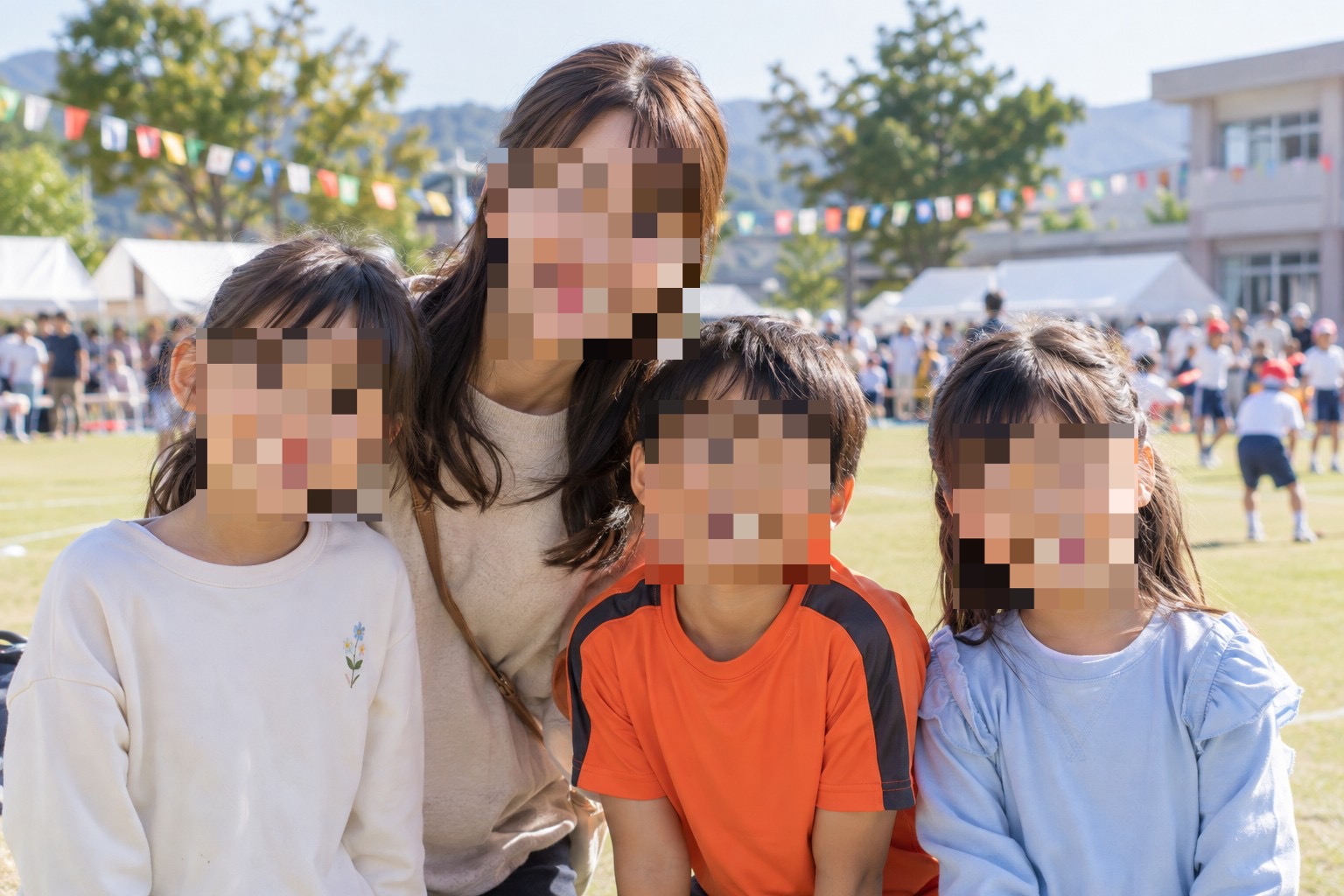
Children's events and group photos
Cover faces before sharing your memories.
Explore this use caseBlur backgrounds in dog and cat photos
Keep your pet in focus. Blur the background.
Explore this use caseCover faces with playful stamps
Add your own style to photos of family and friends.
Explore this use case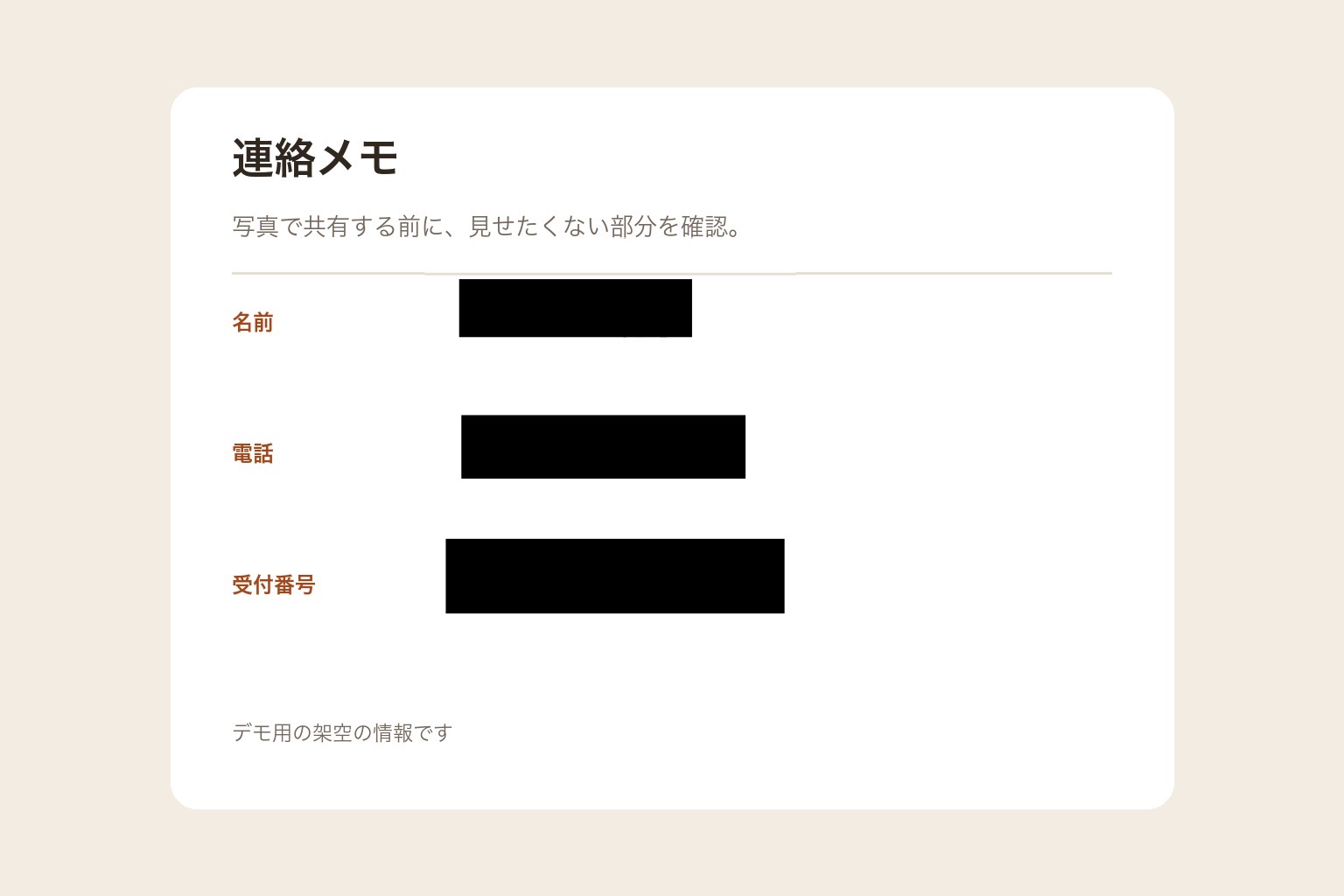
Hide information in screenshots
Cover the names and numbers you do not want to share.
Explore this use case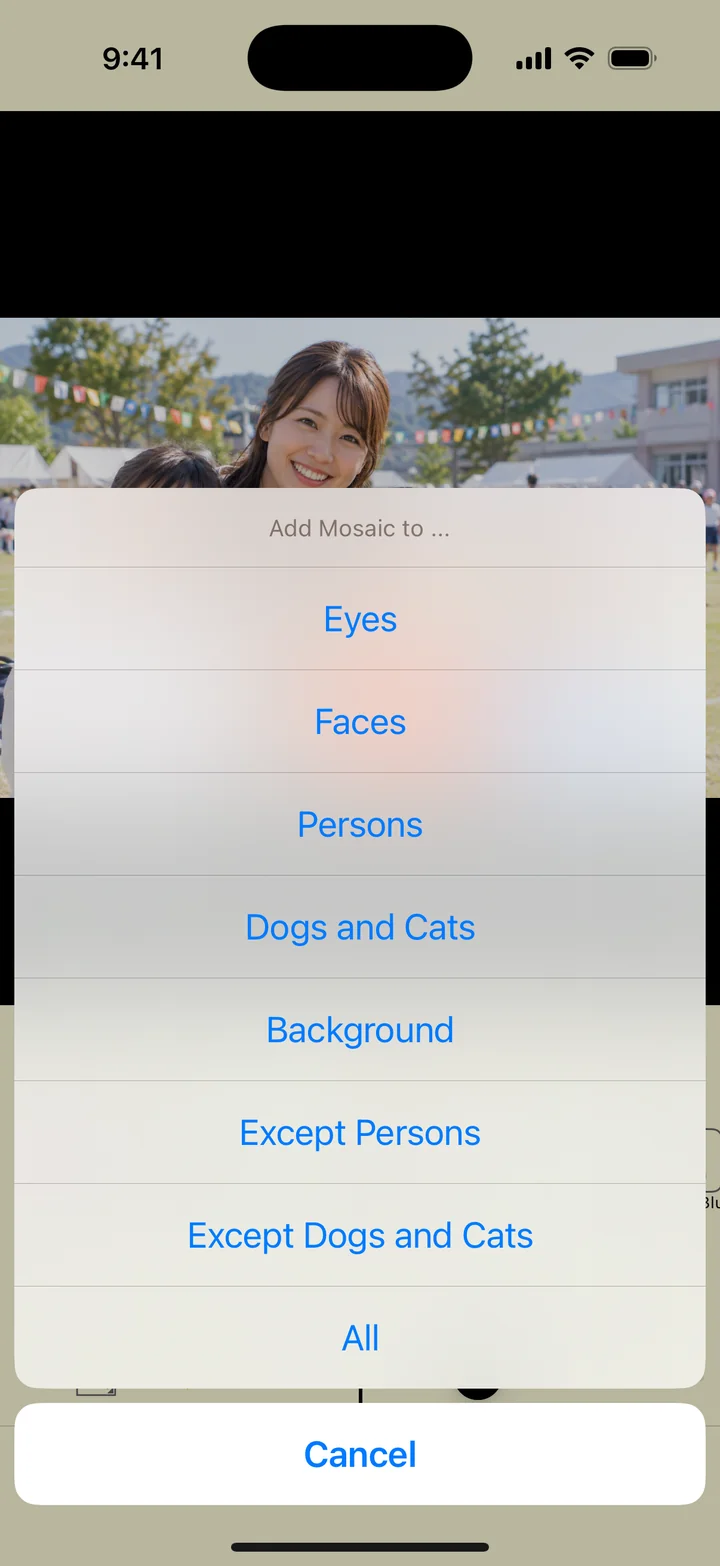
Let AI do the first pass.
Add the finishing touches yourself.
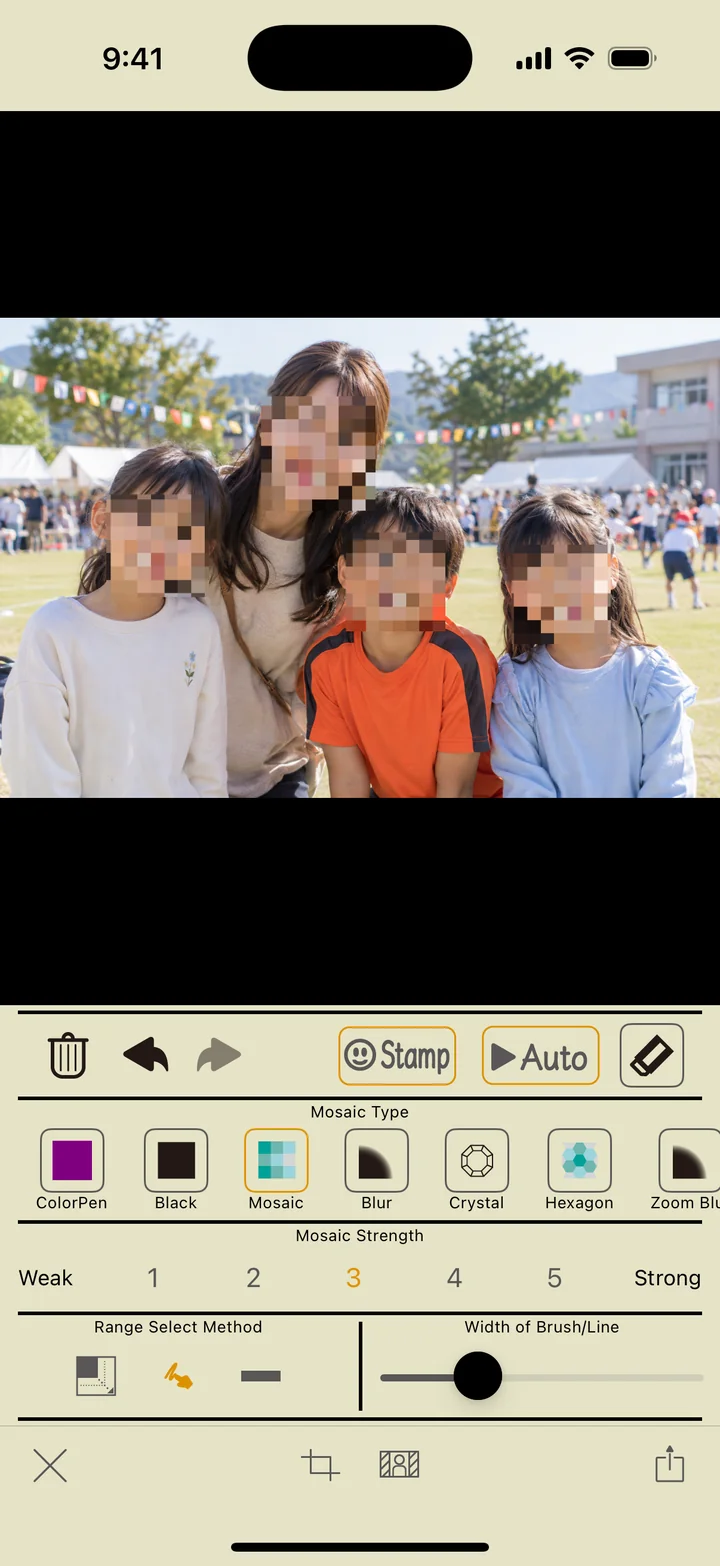
Recognize faces, people, dogs, and cats, and apply your chosen effect automatically. Adjust the details with the brush or rectangle tool.
Choose a target and edit automatically
Easily cover faces or edit the area around dogs and cats.
Fine-tune the details
Zoom, erase, undo, and redo to refine the result.
Find the right look for your photo.
Pixelated mosaics, soft blur, or playful stamps. Choose a style that suits your photo.
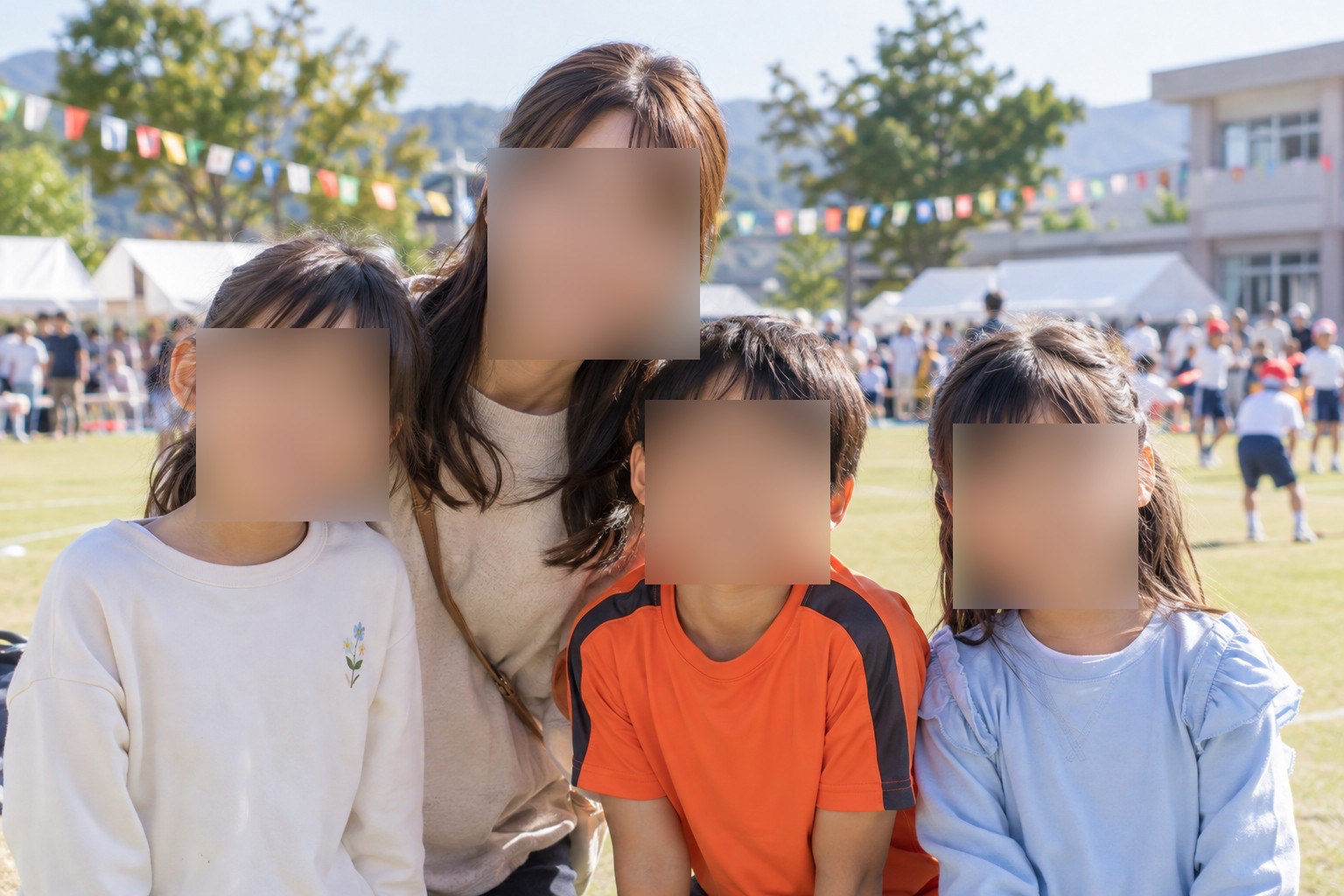
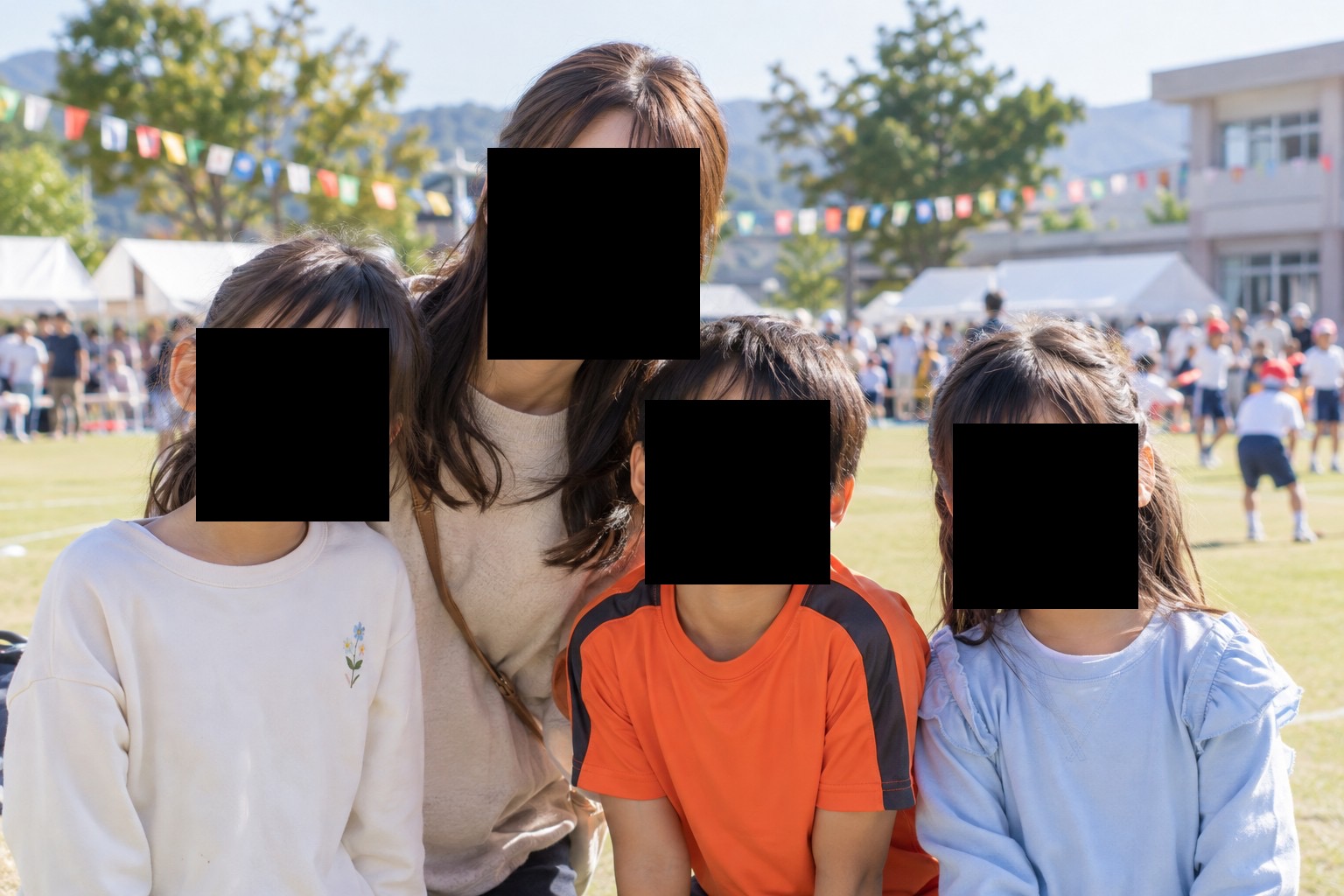
The demo photos are AI-generated. The editing results were created in the actual app.
Choose. Cover. Save.
Choose a photo
Open a photo from your library to start editing.
Cover what you want to hide
Use AI or draw with your finger, then check the result.
Save and share
Save to your photo library or share with another app.
Start with one photo, for free.
Basic photo editing and saving are free.
Free version
- Automatic AI and manual editing
- Mosaic, blur, and emoji stamps
- Save and share photos
Ads are displayed.
A smoother experience
- Remove ads
- Crop images
- Blurred frames
Choose a monthly, yearly, or one-time purchase.
Check the app for prices and free trial eligibility.
Cropping and blurred frames can also be unlocked temporarily by watching a video ad.
Questions? Start here.
Can I edit and save photos for free?
Yes. Basic mosaic and blur effects, emoji stamps, and saving photos are free. The free version displays ads. Cropping and blurred frames have additional access requirements.
What if the AI misses a face or pet?
Recognition can vary with photo orientation, face size, and how the subject appears. Use the brush or rectangle tool to cover anything missed. Check the whole photo before saving.
Can the app preserve pets other than dogs and cats automatically?
Automatic pet recognition supports dogs and cats. For other animals, edit the background manually.
Make the photos you share
feel like you.
Hide faces. Blur backgrounds.
Instant Blur makes it easy to prepare a photo before you post.
Basic photo editing and saving are free. In-app purchases are available.