
Keep your pet in focus.
Let the background
soften away.
Want to share a dog or cat photo without showing the whole room? Keep the pet and edit the surroundings.
Basic editing and saving are free. In-app purchases are available.
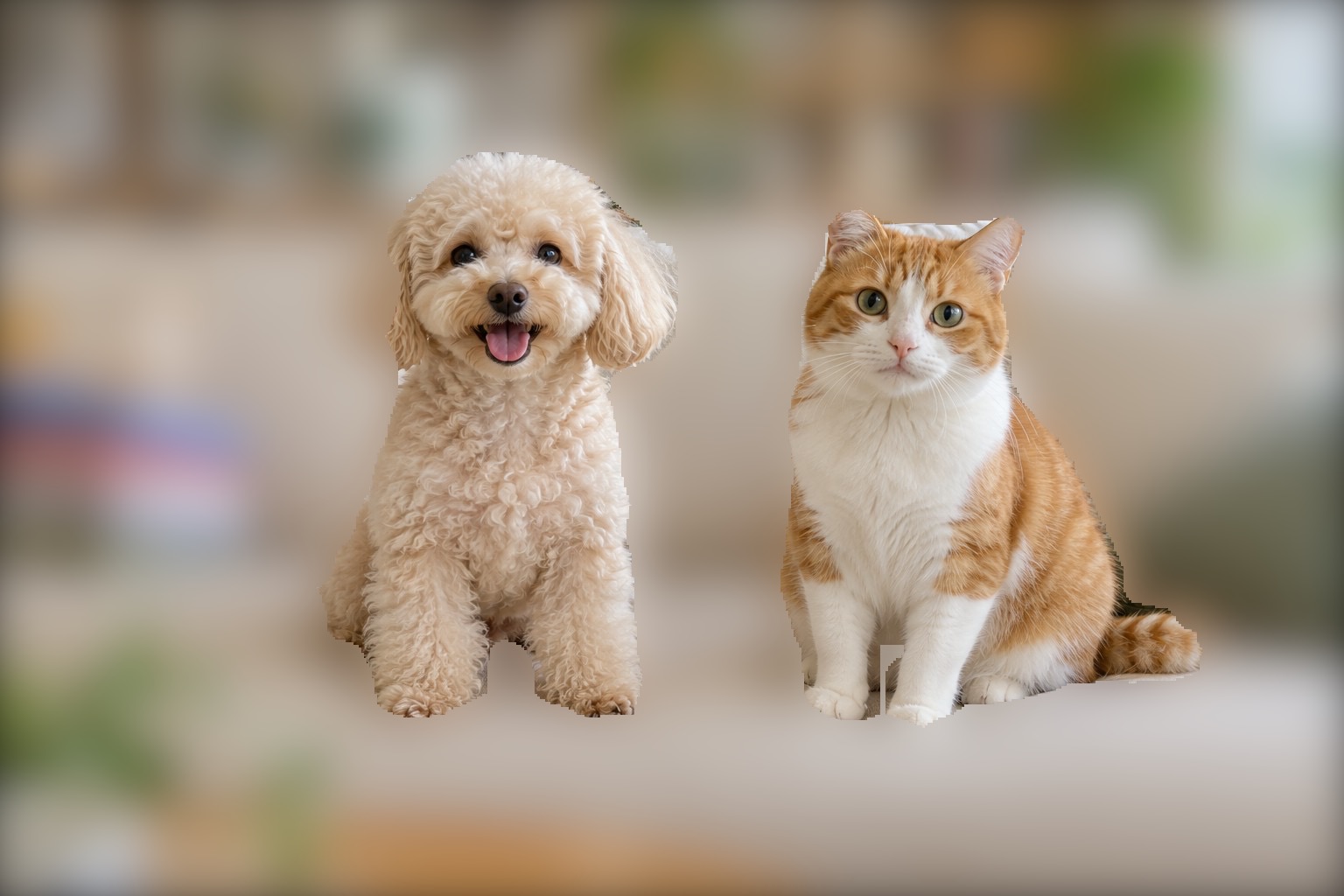
Keep dogs and cats. Edit the surroundings.
Choose “Except Dogs and Cats” in Auto to keep recognized dog and cat areas while applying blur or mosaics to everything else. Choose an effect and strength that suit your photo.
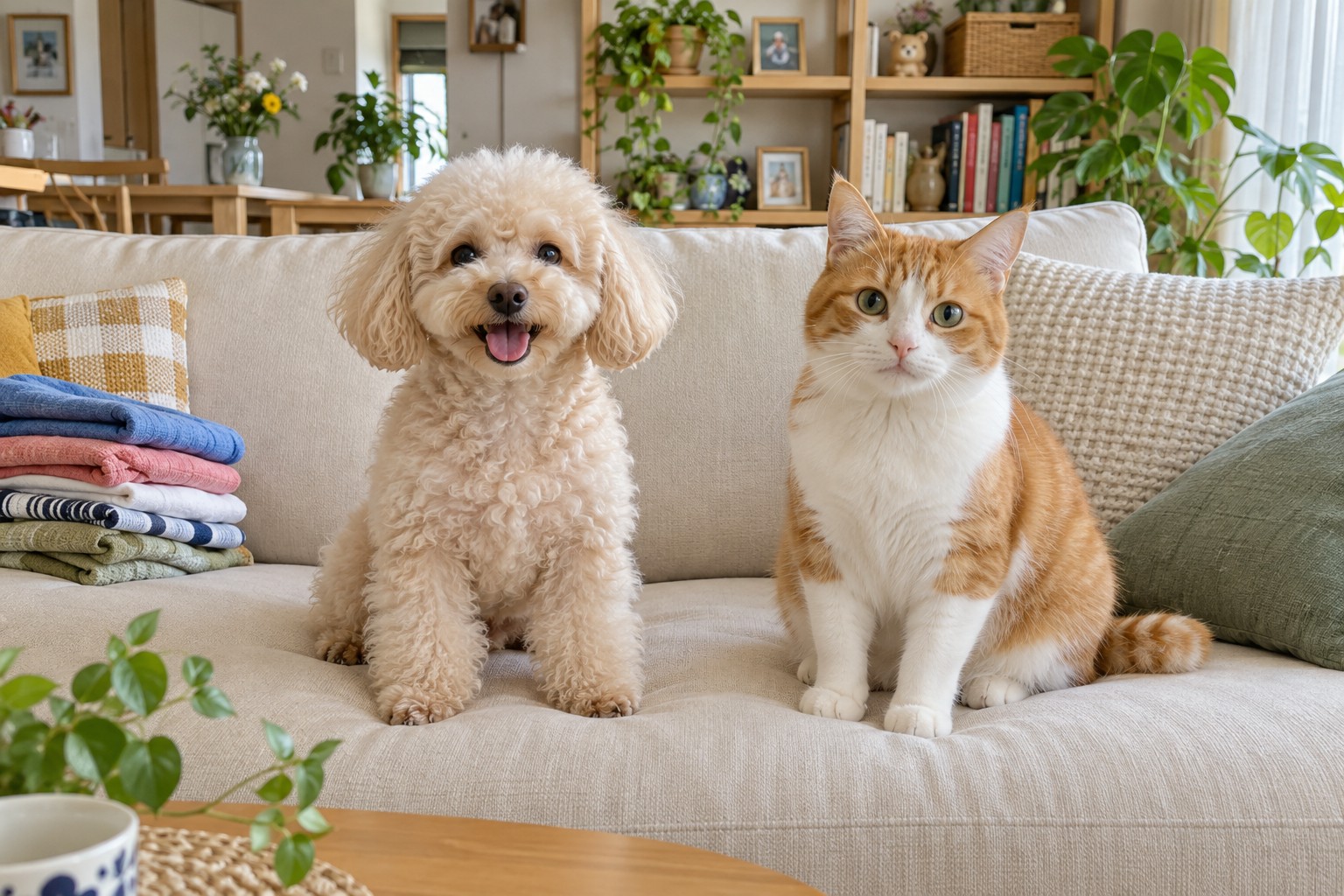
The demo photos are AI-generated, and the contact memo is fictional. The editing results were created in the actual app.
How to edit this photo.
Choose a photo and blur effect
Open the pet photo and select an effect.
Choose Except Dogs and Cats
Select the target in Auto to edit the surrounding area.
Check the edges and save
Check fur edges and any areas you want to keep, then refine them manually.
See the controls as you learn.
Find button locations and detailed steps in the screenshot guides.
Read the full guide →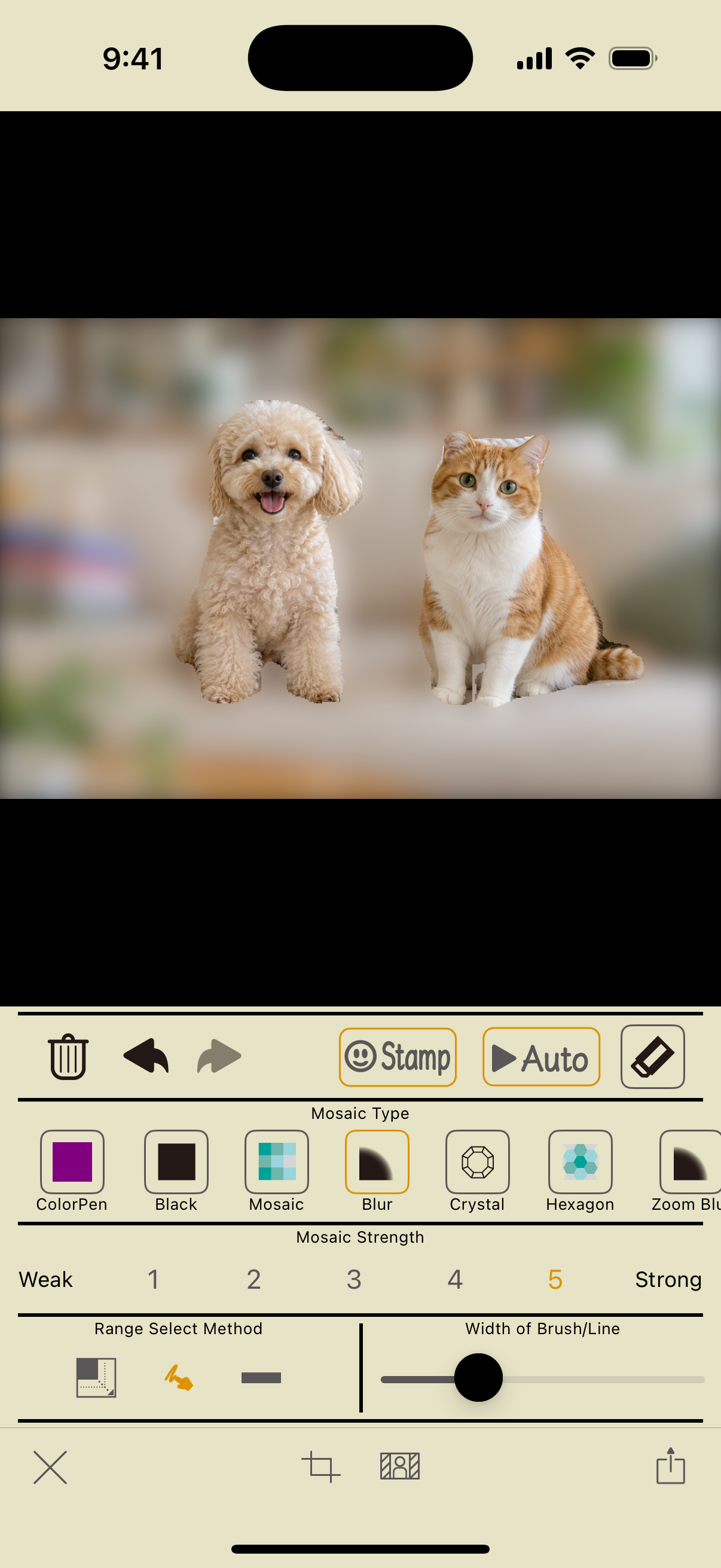
“Background” and “Except Dogs and Cats” edit different areas. To hide only an owner in a walking or group photo, use Faces or Persons. For animals other than dogs and cats, edit manually.
Make the photos you share
feel like you.
Hide faces. Blur backgrounds.
Instant Blur makes it easy to prepare a photo before you post.
Basic photo editing and saving are free. In-app purchases are available.