
Keep the memories.
Cover faces before sharing.
Sports days, performances, and activity groups. Cover other children or parents who appear in a photo before posting.
Basic editing and saving are free. In-app purchases are available.
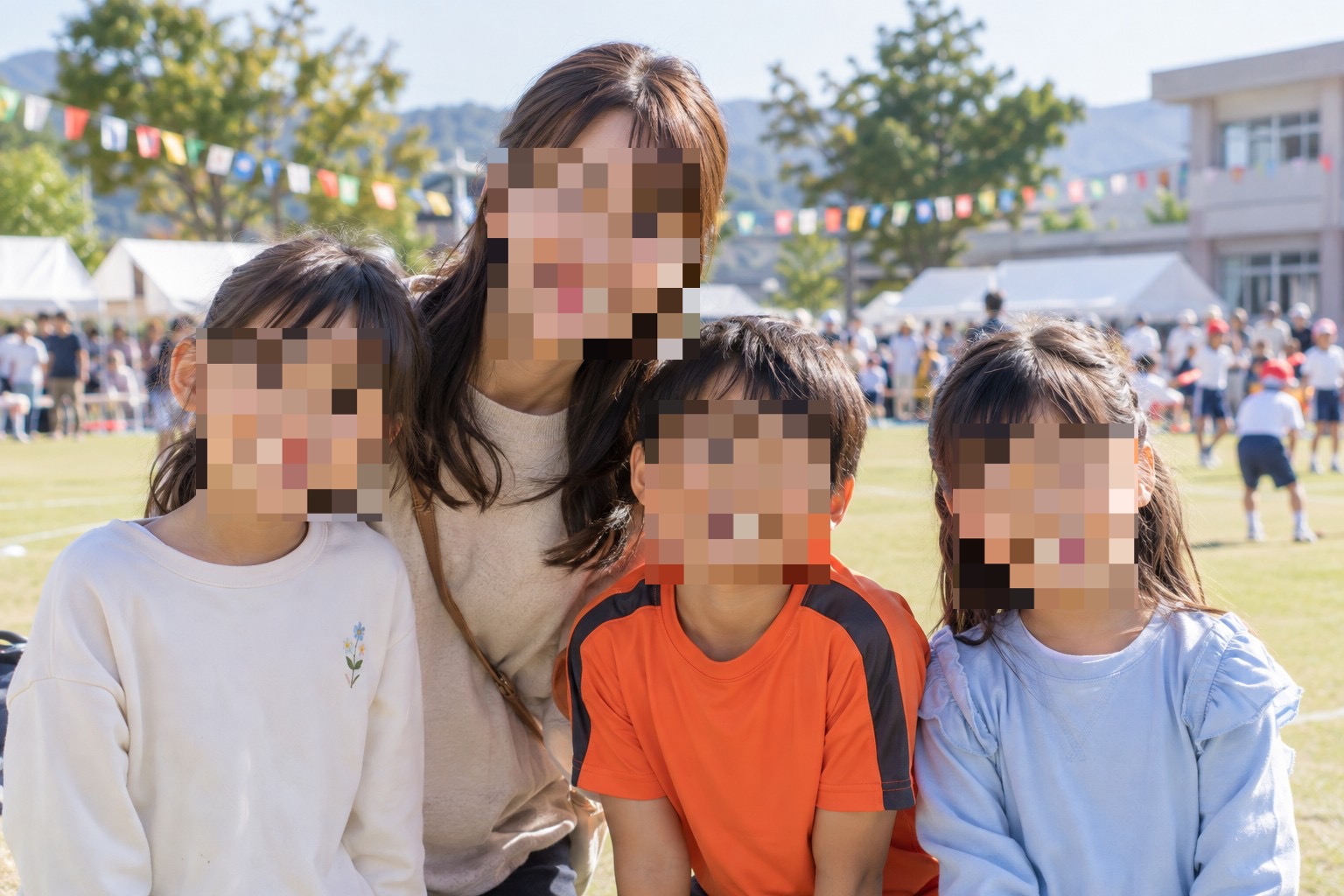
Multiple faces. One automatic step.
Instead of drawing over each face, use AI face editing to apply mosaics to detected faces. Cover missed areas manually and use the eraser to restore areas you want to keep.

The demo photos are AI-generated, and the contact memo is fictional. The editing results were created in the actual app.
How to edit this photo.
Choose a photo and effect
Open the event photo, then choose mosaic or blur.
Choose Faces in Auto
Apply the effect to detected faces.
Check, refine, and save
Zoom in to check small faces, and make any manual touch-ups before saving.
See the controls as you learn.
Find button locations and detailed steps in the screenshot guides.
Read the full guide →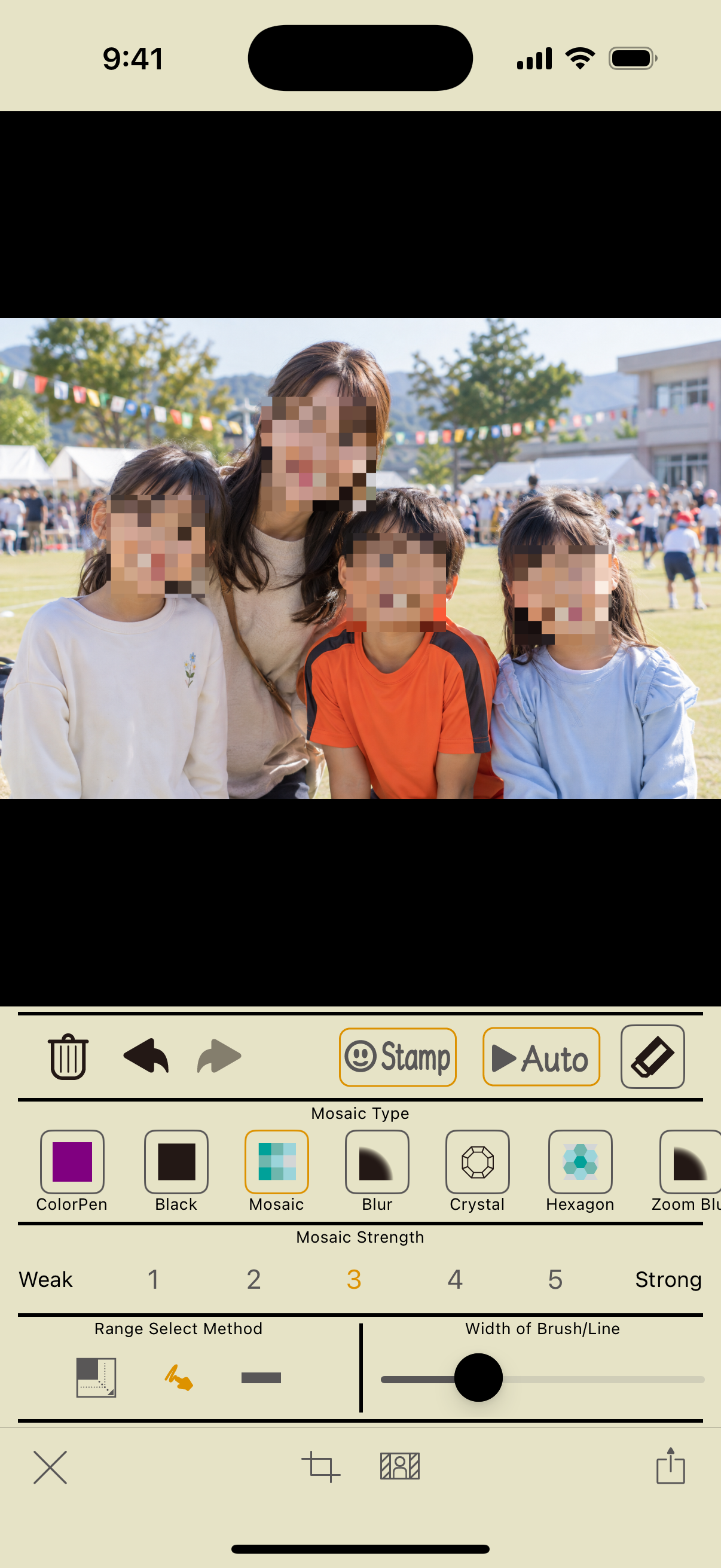
The app does not automatically identify your child and leave only their face visible. Use the eraser to restore faces you want to keep, or manually edit only the faces you want to hide.
Make the photos you share
feel like you.
Hide faces. Blur backgrounds.
Instant Blur makes it easy to prepare a photo before you post.
Basic photo editing and saving are free. In-app purchases are available.