
Match your photo
with playful face covers.
Give photos of family and friends your own style with emoji stamps. Choose face covers that suit your photo.
Basic editing and saving are free. In-app purchases are available.
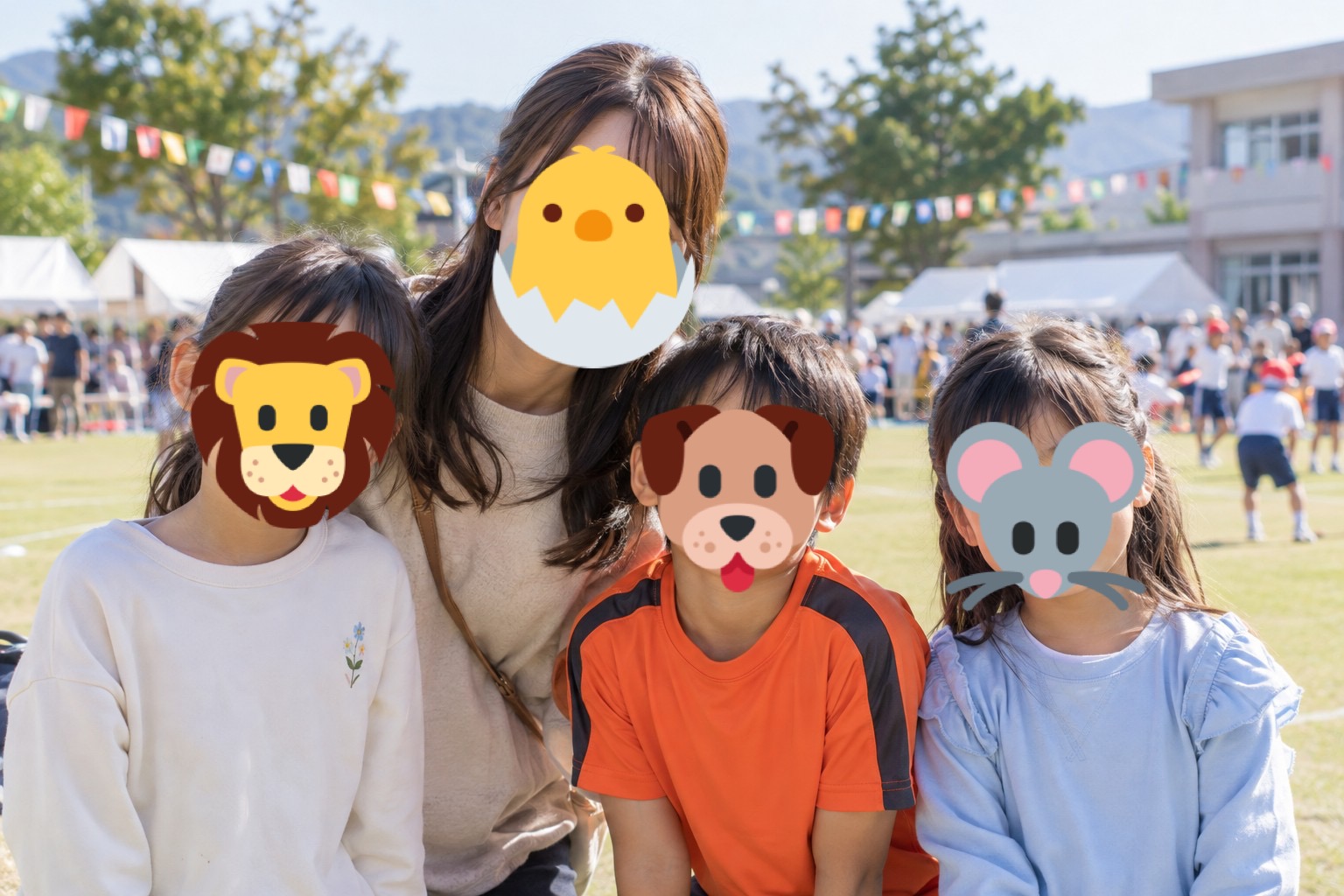
Stamp over faces. Adjust every detail.
Place face or animal emojis on detected faces automatically. Then adjust each stamp to cover the face and suit the photo.
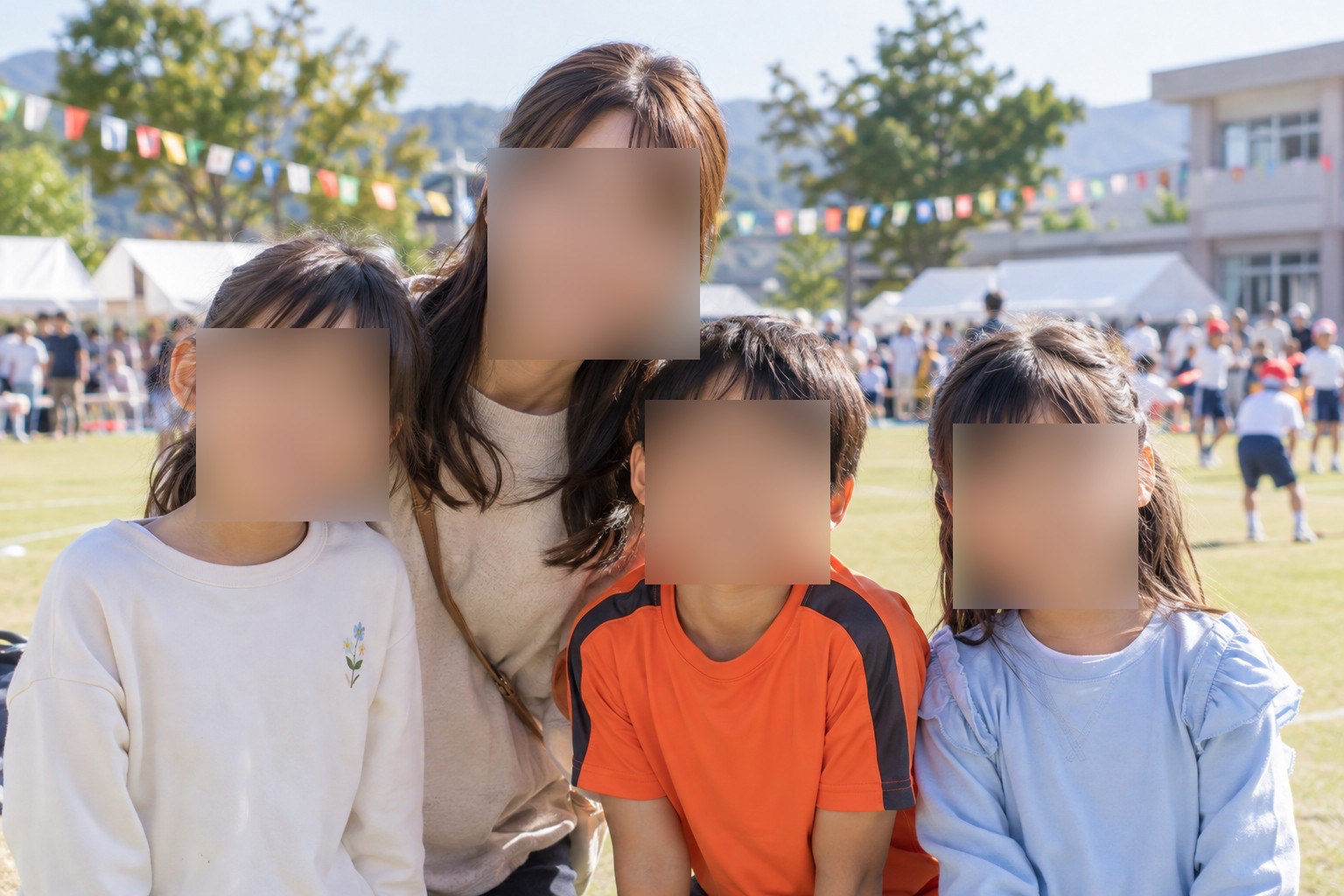
The demo photos are AI-generated, and the contact memo is fictional. The editing results were created in the actual app.
How to edit this photo.
Open Stamp
Choose a photo, then open stamp editing from the editor.
Place emojis
Use the face silhouette button for automatic placement, or add any emoji from the list.
Adjust the size and save
Make sure the faces are fully covered, then confirm and save.
See the controls as you learn.
Find button locations and detailed steps in the screenshot guides.
Read the full guide →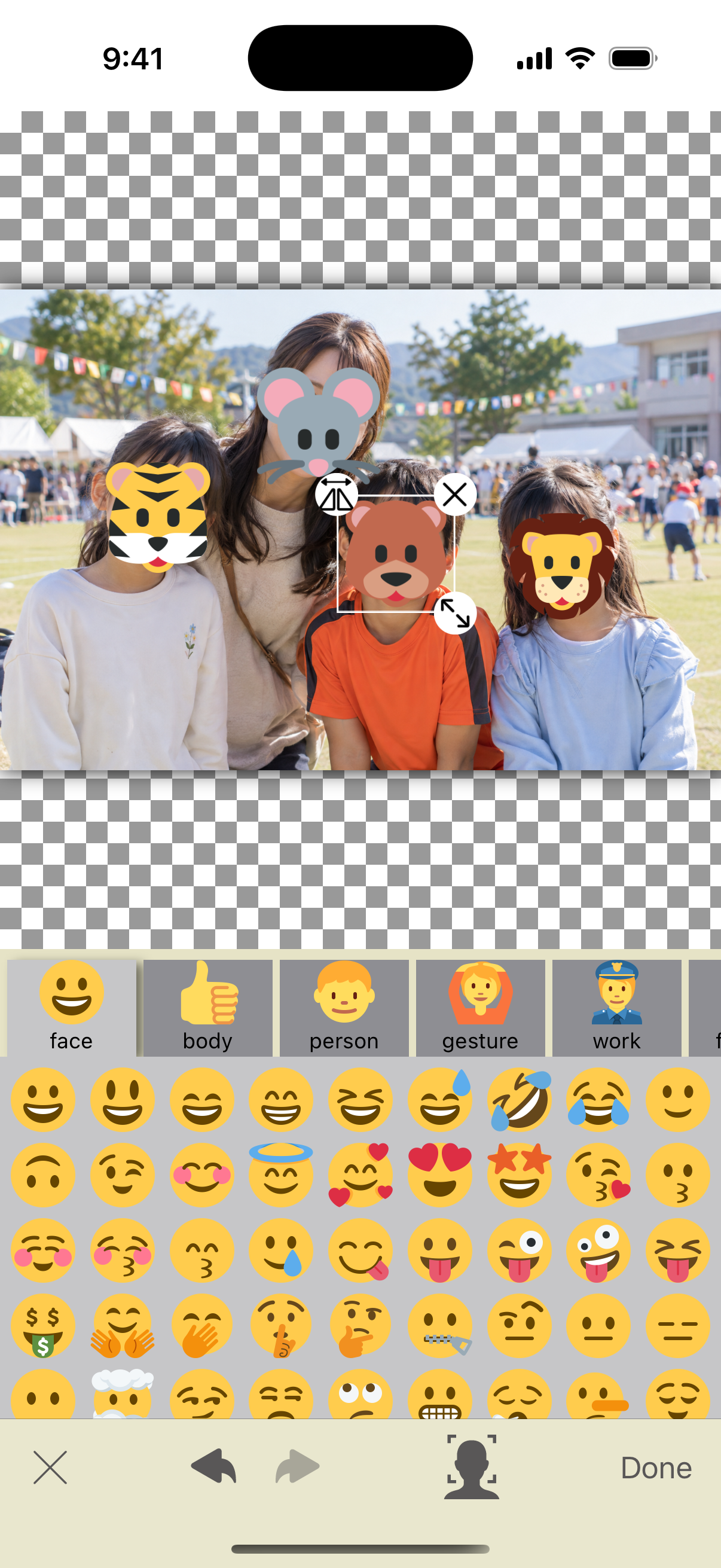
A small stamp may leave part of a face visible. Make sure it covers the whole face. You can also combine stamps with blur or mosaic effects.
Make the photos you share
feel like you.
Hide faces. Blur backgrounds.
Instant Blur makes it easy to prepare a photo before you post.
Basic photo editing and saving are free. In-app purchases are available.